Work it out
Do the arithmetic without reaching for a calculator.
/calc (12 + 3) / 5→ 3
 SlashKey
A little slash. A lot less typing.
Calculate, convert, translate, and bring up the details you need. Right from your iPhone or iPad keyboard.
For iPhone and iPad · Requires iOS or iPadOS 27.0+
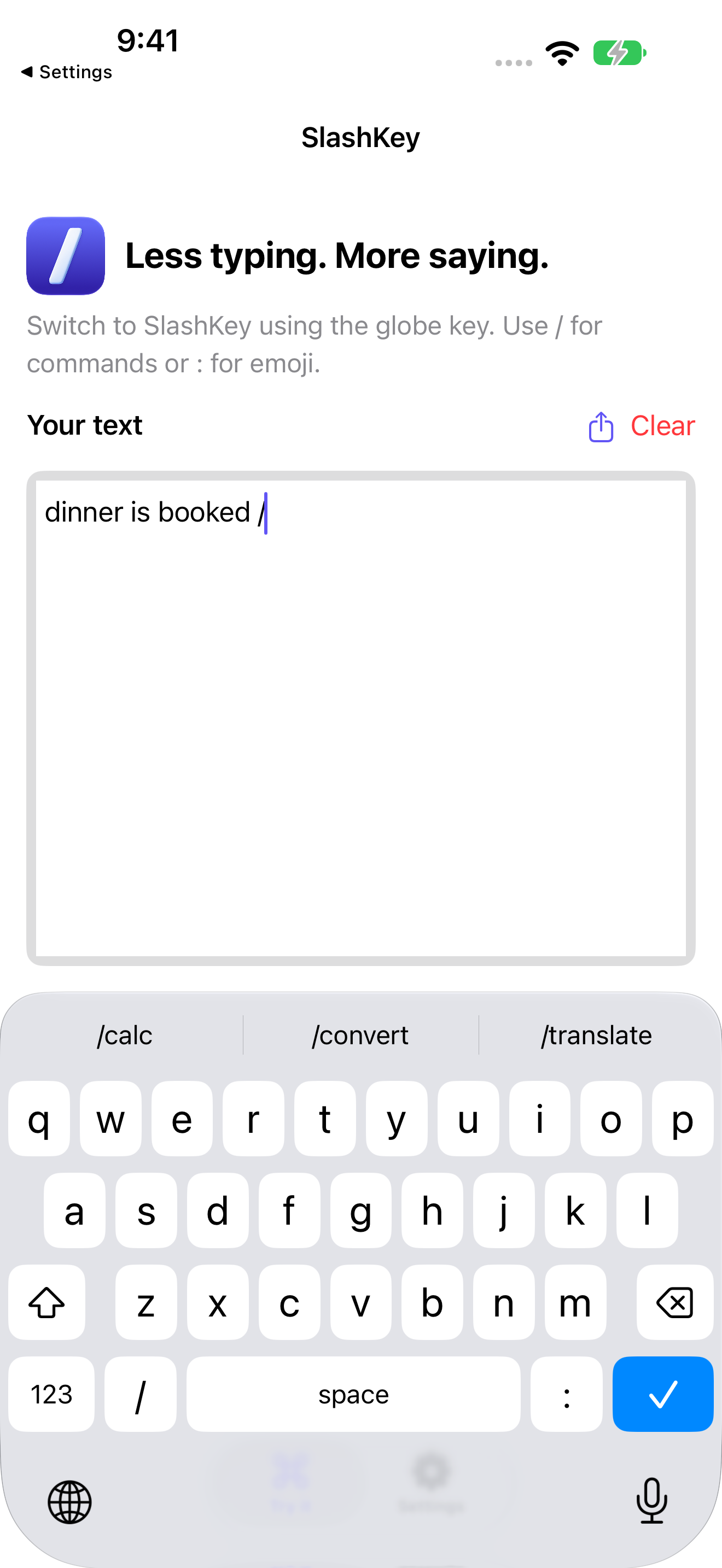
Your next shortcut starts with /
Type a command in a compatible text field, then submit it to insert the result. Use : for emoji.
Do the arithmetic without reaching for a calculator.
/calc (12 + 3) / 5→ 3
Convert measurements or look up published reference currency rates.
/convert 180cm to feetCurrency rates require Full Access and internet.
Translate with Apple's on-device language models.
/translate vietnamese HelloPrepare supported language pairs in SlashKey Settings.
Insert a saved profile field or search a contact you permit.
/email /address JohnRequires Full Access. Named lookup also needs Contacts permission.
Add a date or check the time in another city.
/date +6 /time TokyoFind emoji and symbols without leaving the keyboard.
:smile: /shrug→ 😄
Made to stay close
SlashKey processes typing, suggestions, emoji, and translation on your device. Your saved profile stays in the app's protected local storage.
Full Access is optional. It enables shared profile access, permitted contact lookup, and currency-rate requests. Currency requests include only the two currency codes; the amount stays on your device.
Read the privacy policyEnglish suggestions, autocorrection, character previews, and key vibration—with slash commands one tap away. Secure fields and apps that disallow custom keyboards use the system keyboard.
Get setup help